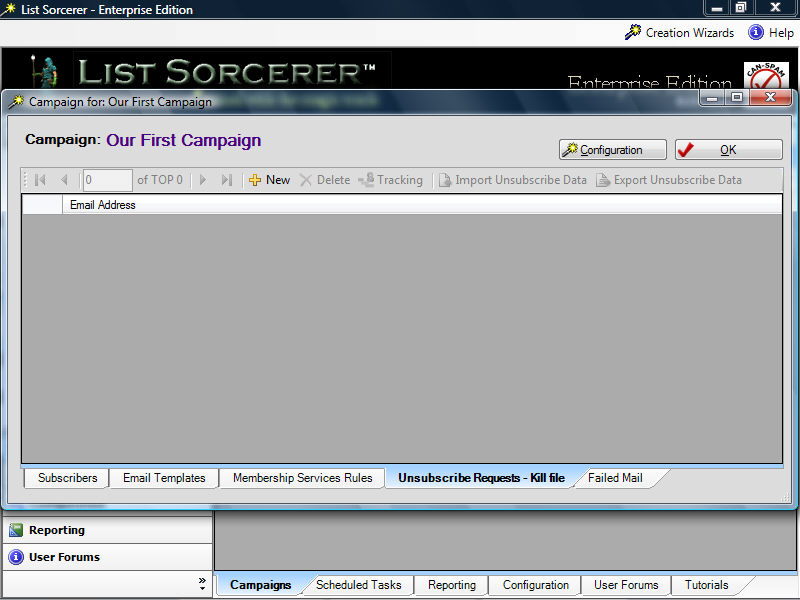
The List Sorcerer Enterprise System keeps track of everyone who wishes to unsubscribe as an active subscriber within your campaign. Upon a subscriber requesting to unsubscribe from your campaign they will be routed to the unsubscribe section of your campaign as shown below.
The activities that may be performed using the tool bar are as follows:
New - manually move a current subscriber of your campaign to the this unsubscribe area of this campaign.
Delete - manually moves the selected unsubscribe member back into the section of active subscribers.
Tracking - displays the complete transcript of activities and events that pertain to the selected unsubscribe
Import unsubscribe data - imports an external list of unsubscribe data into the unsubscribe section of the campaign
Export unsubscribe data - exports the current list of unsubscribe to an external file that you select.